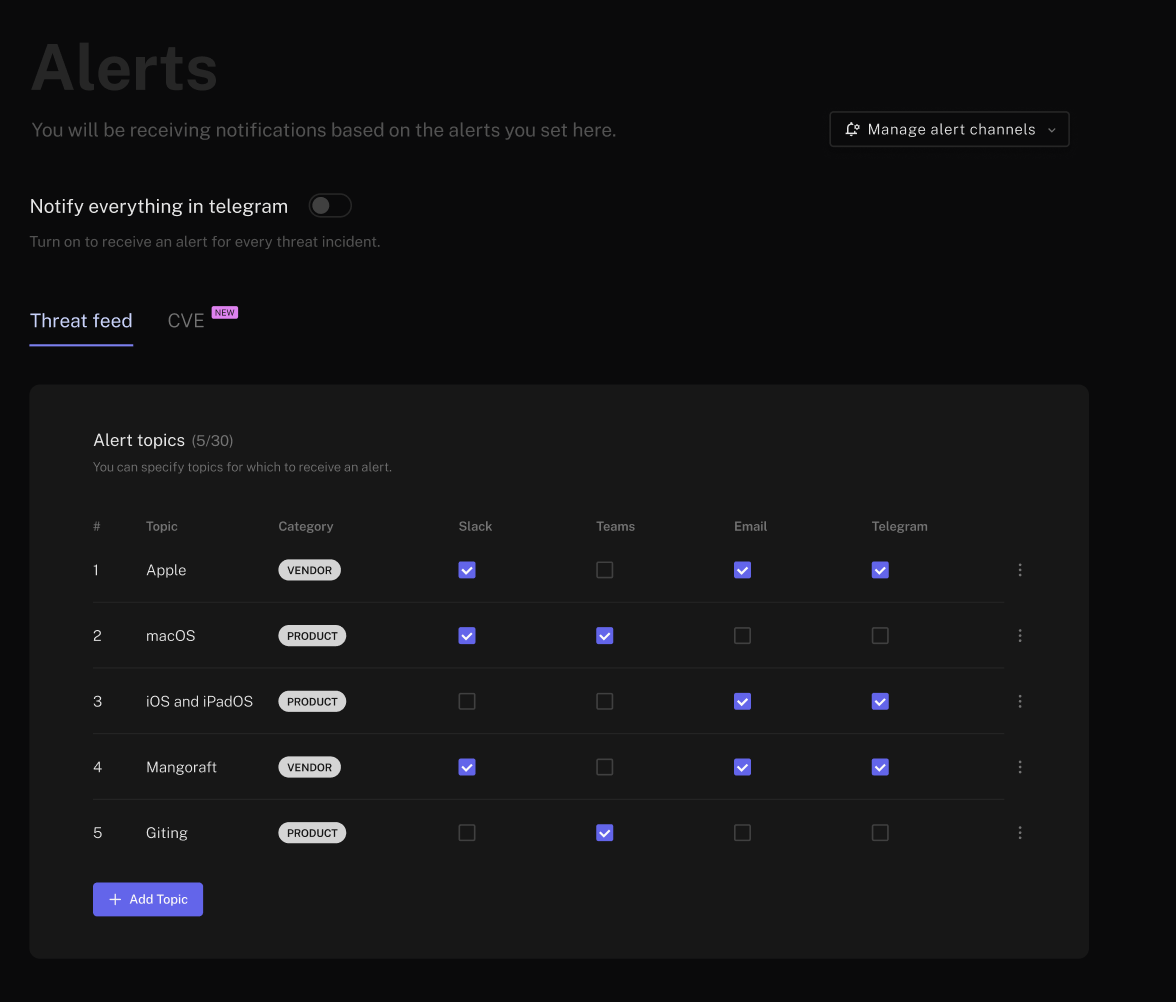
- Open the Set Alerts page.
- Choose alert topics by keyword, severity, threat actor, category, and more. Up to 30 custom topics are supported across channels in FalconFeeds.
- Toggle your Telegram integration ON to start receiving messages for matching events.