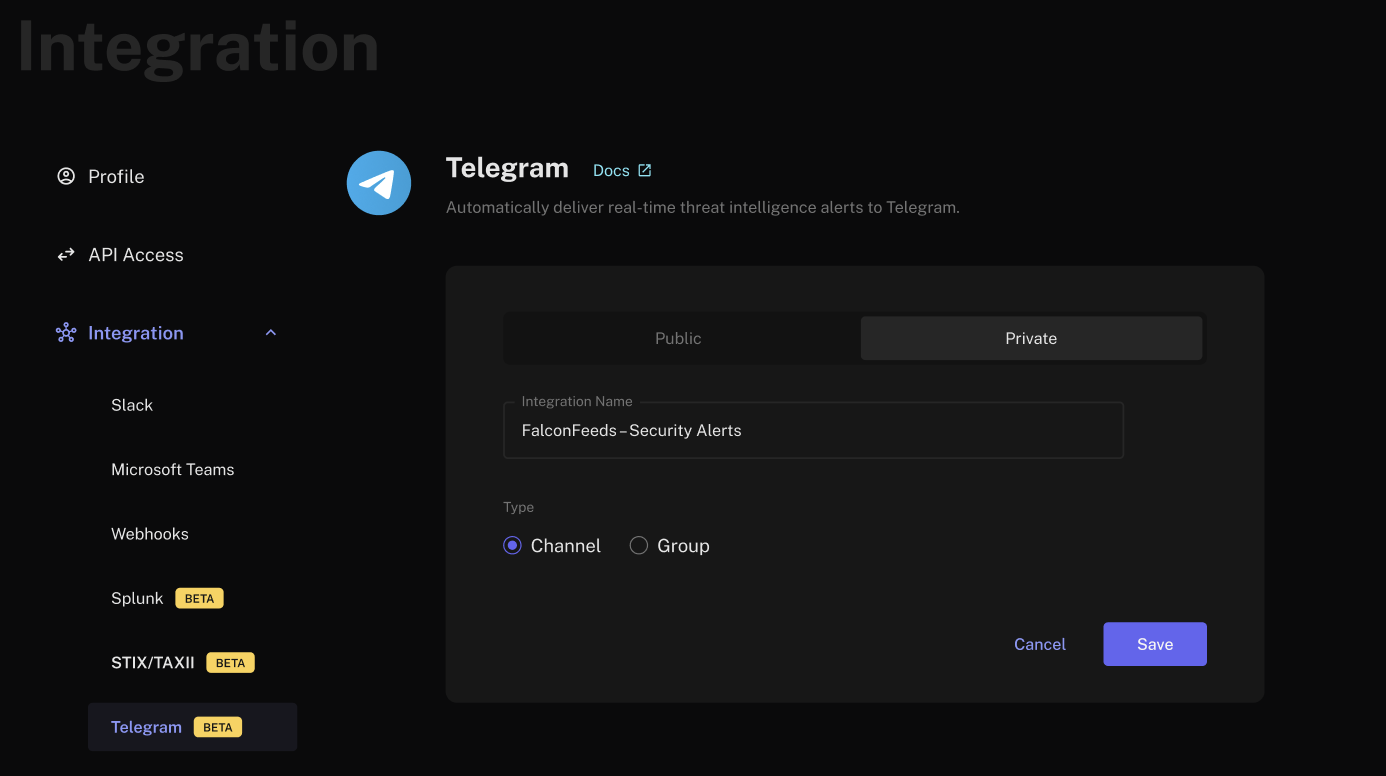
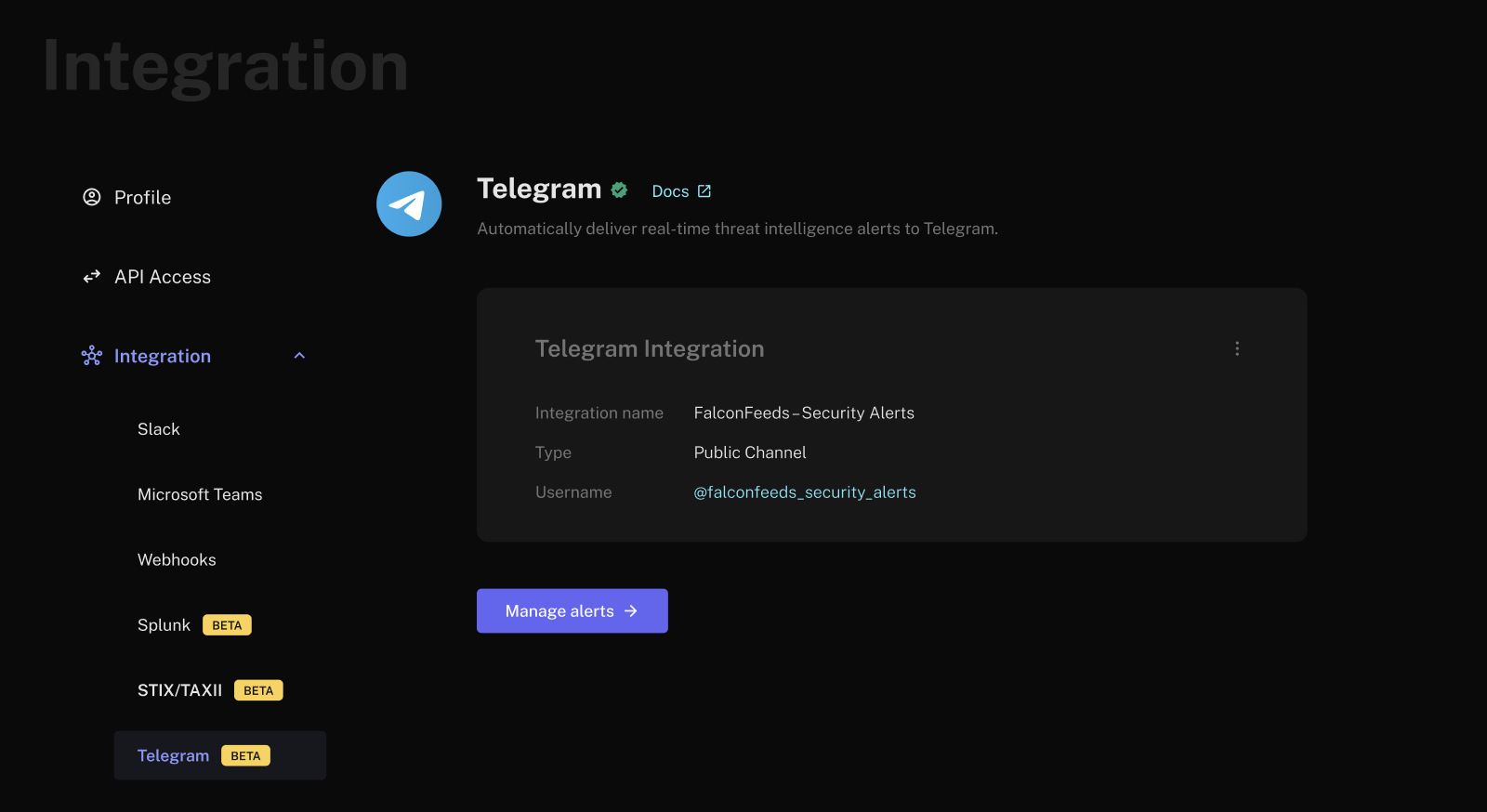
- In your FalconFeeds Dashboard, go to Settings → Integrations → Telegram.
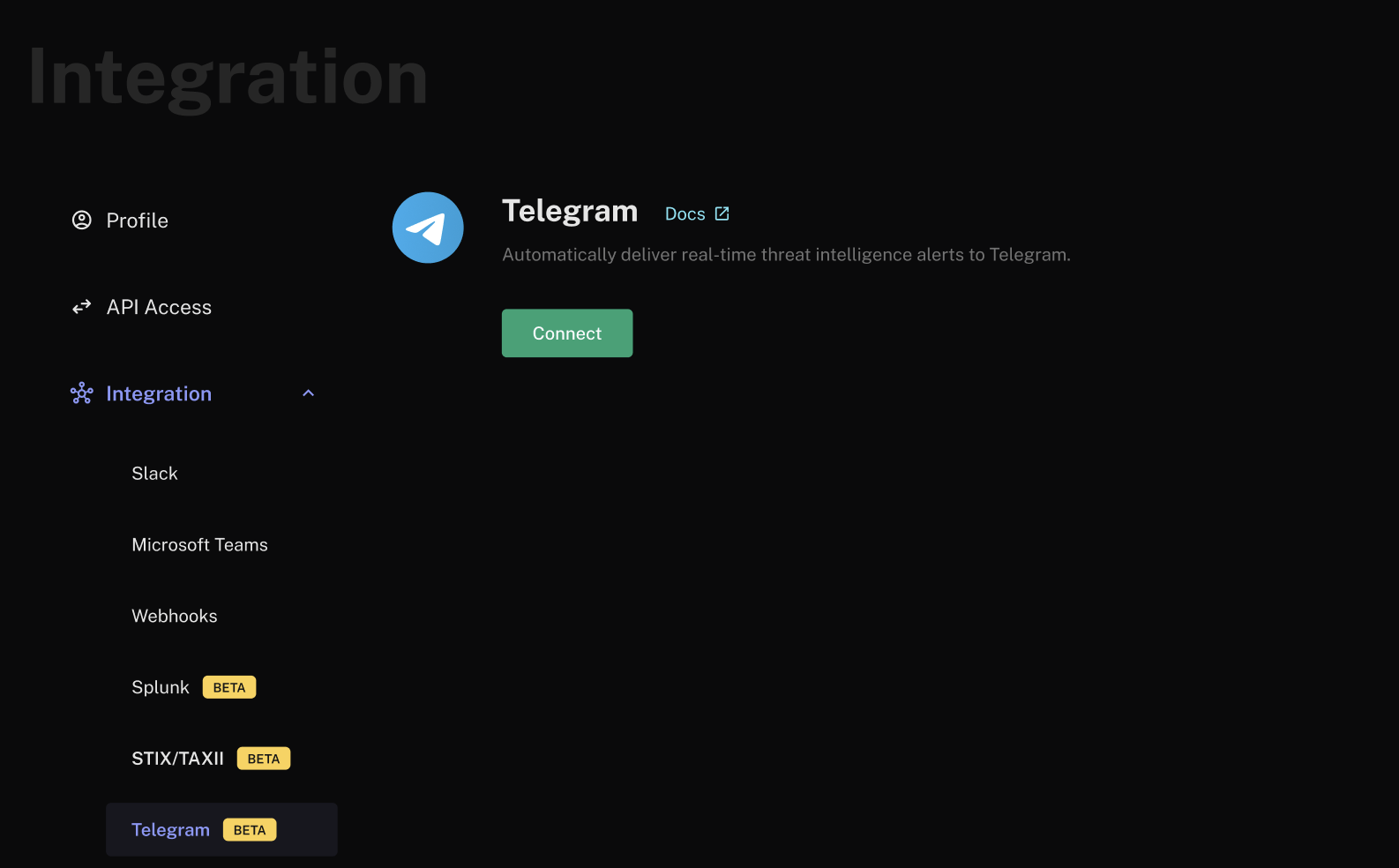
- Click Connect and choose Public or Private setup.
- Public Setup
- Private Setup
Use this for destinations with a public username or URL (e.g., 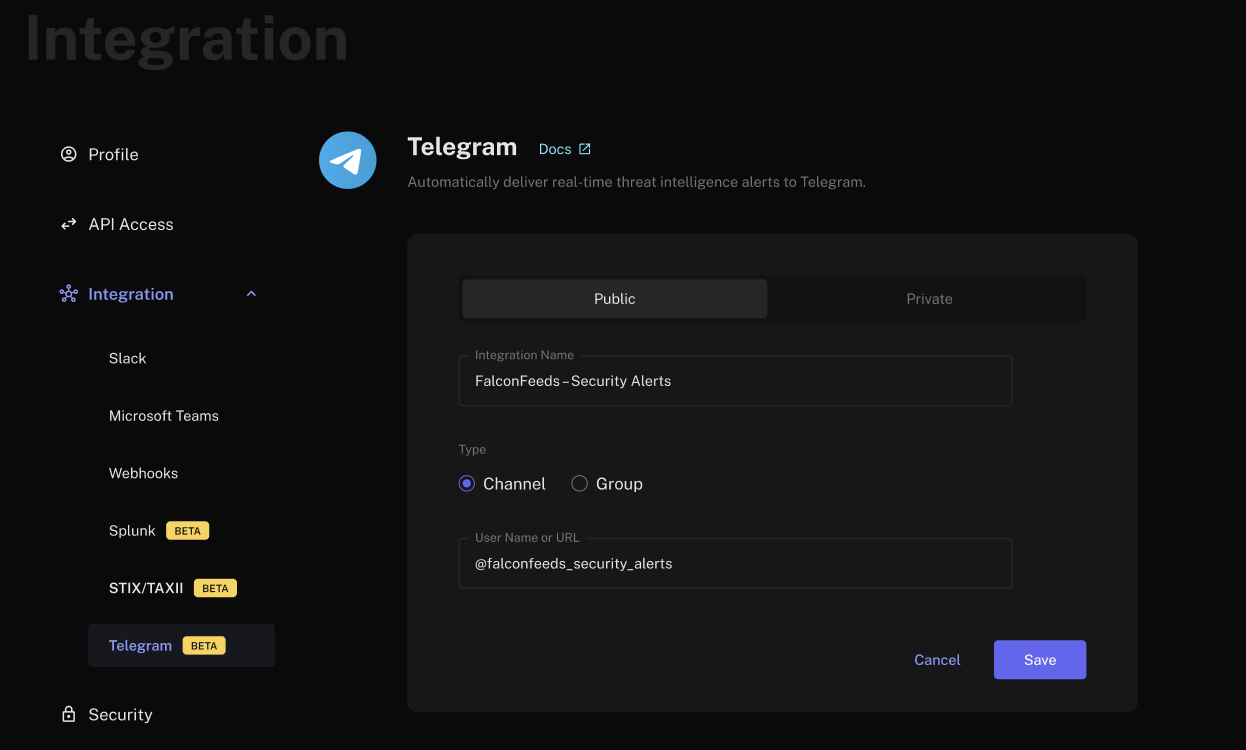
t.me/yourcompany_security).-
Select Public and fill in the Integration Details:
- Click Save.
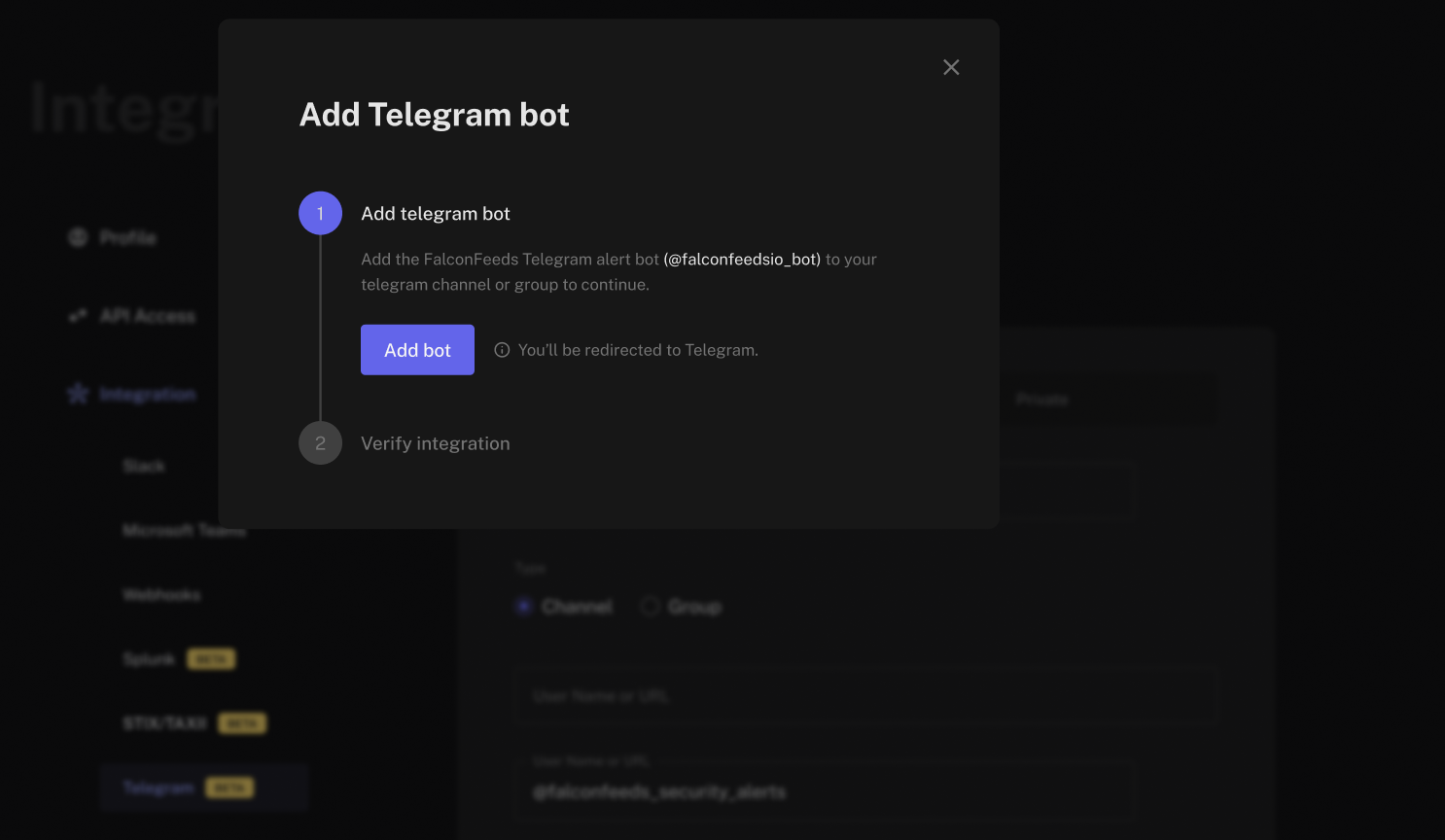
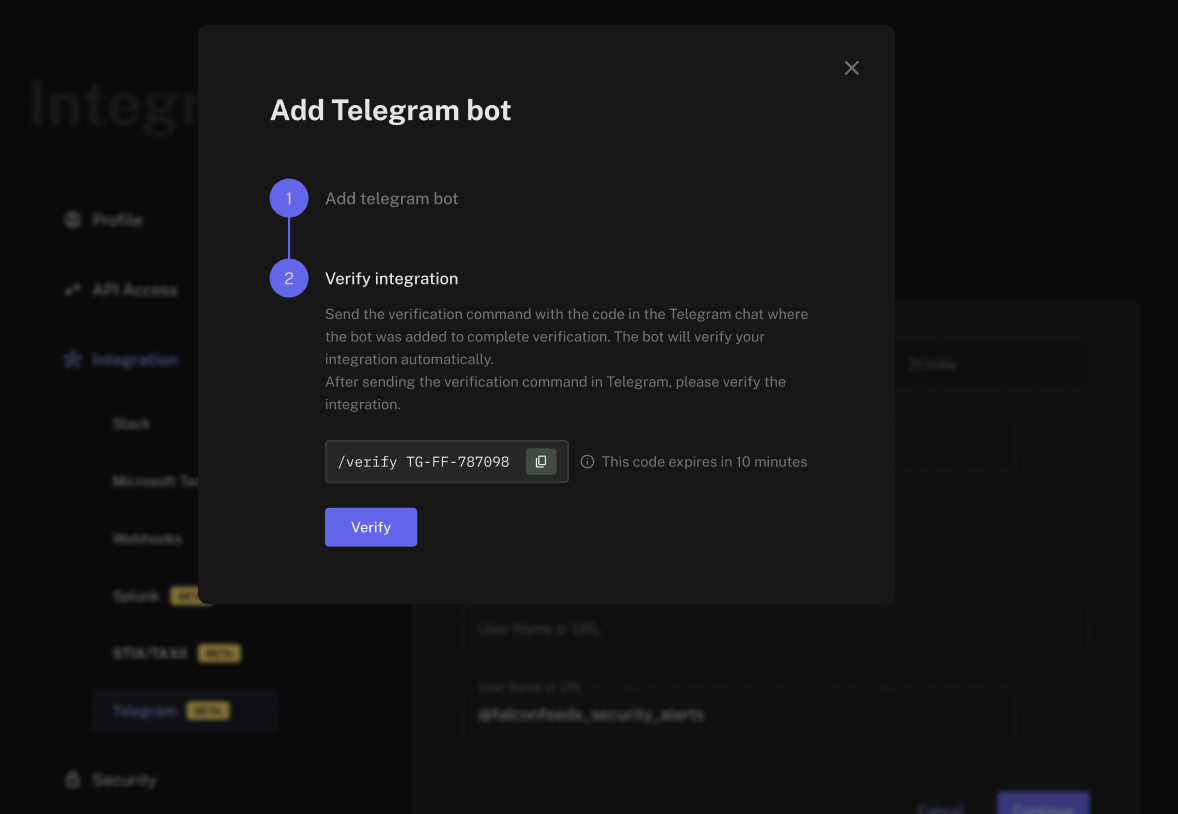
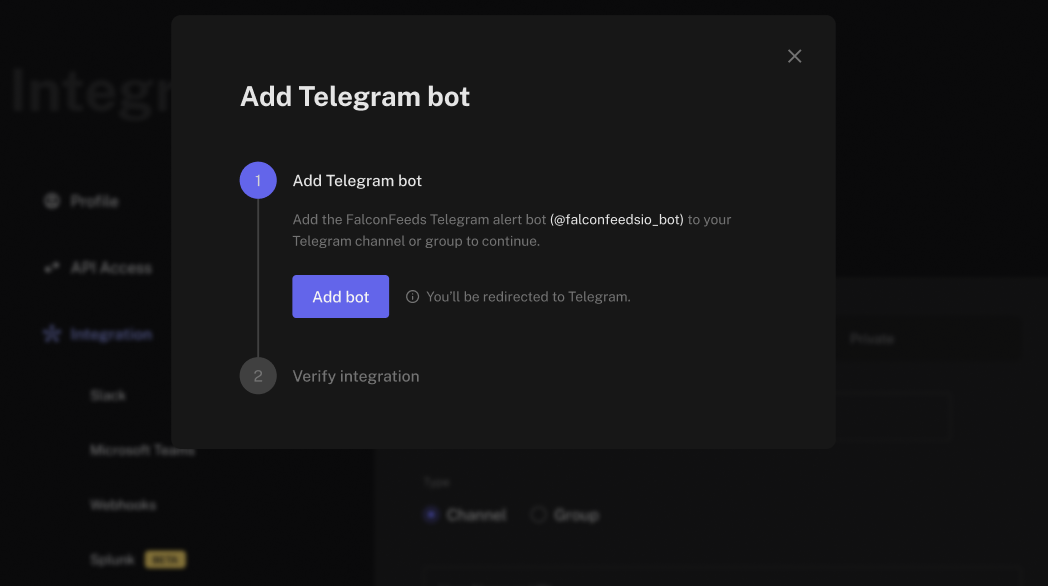
- In the modal, click Add Bot to open Telegram and add the FalconFeeds bot to your Channel or Group. Promote the bot to Admin with Post Messages permission.
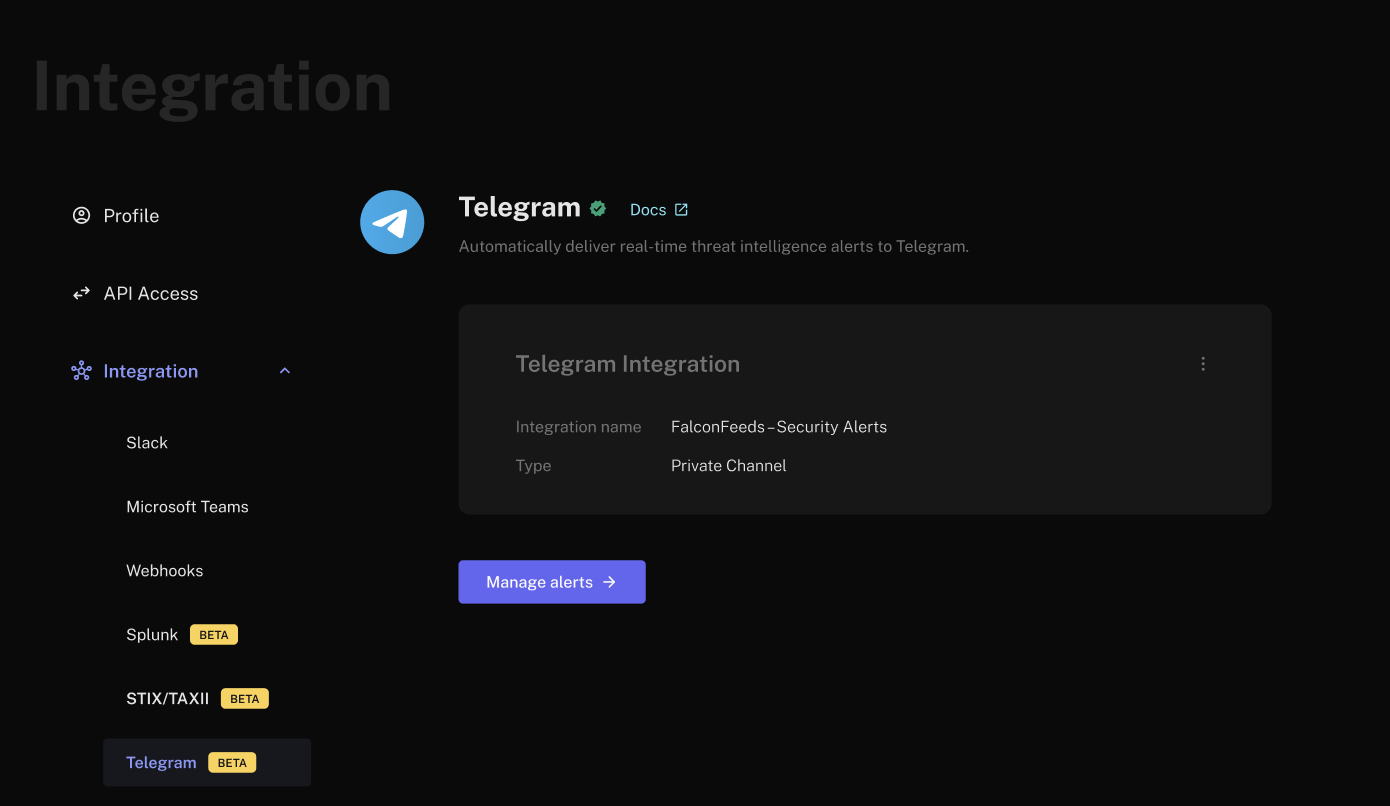
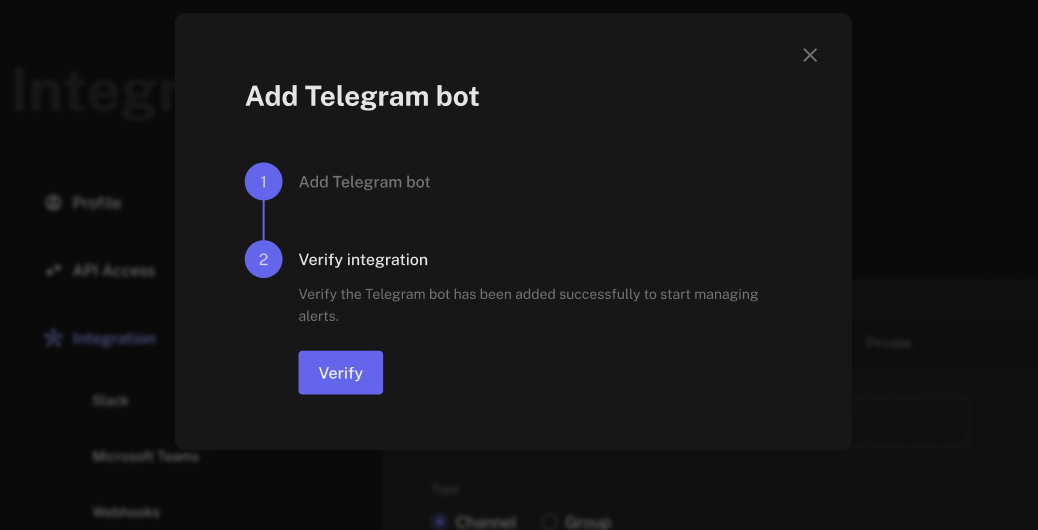
- Return to FalconFeeds and click Verify in the modal. If permissions are correct, the integration status is marked as Verified and alerts can flow.
Once verified, FalconFeeds will start posting matching alerts to your Telegram destination via the FalconFeeds-managed Telegram bot.