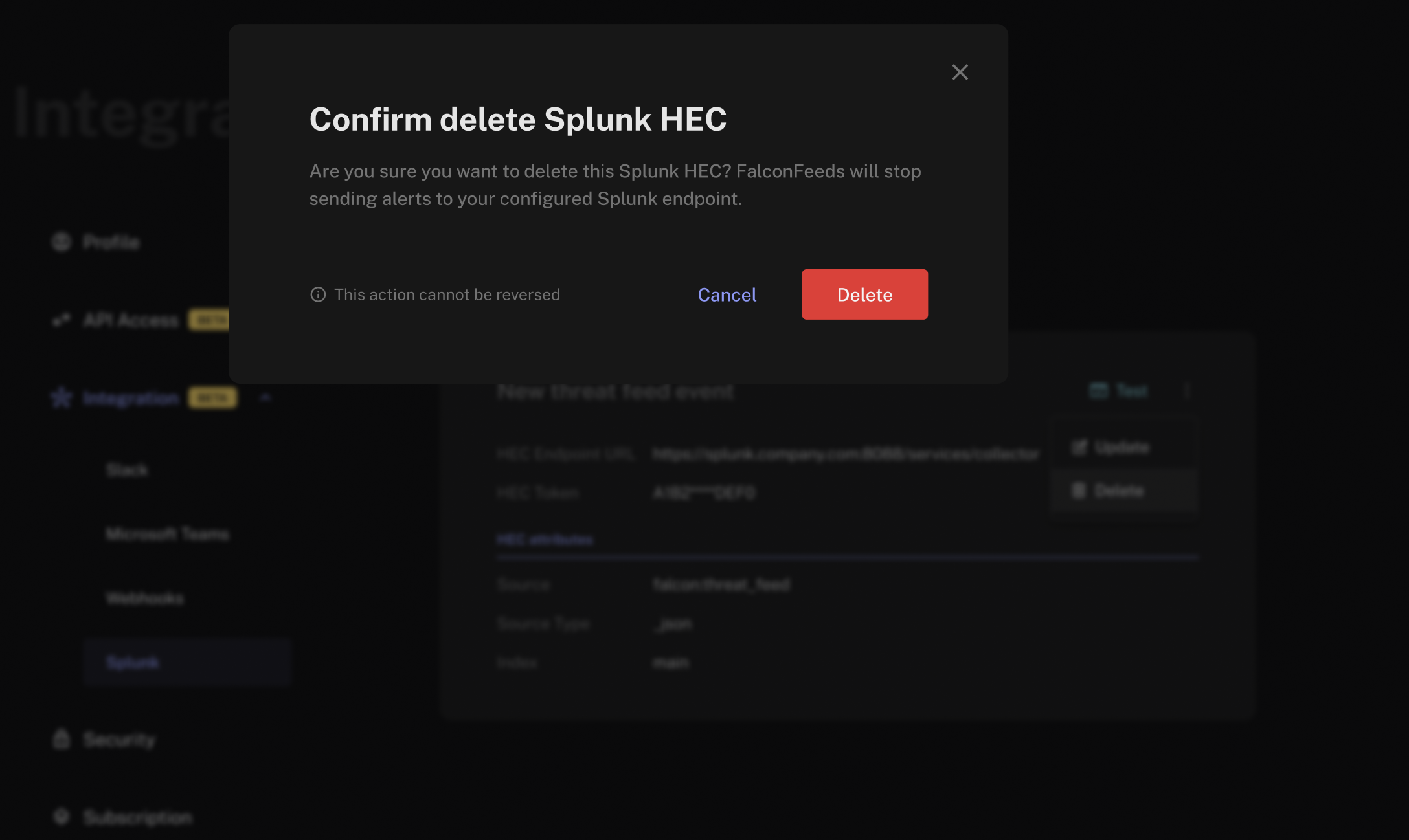
Updating the Integration
- Click the options button next to the Test button on your integration card.
- Click Update.
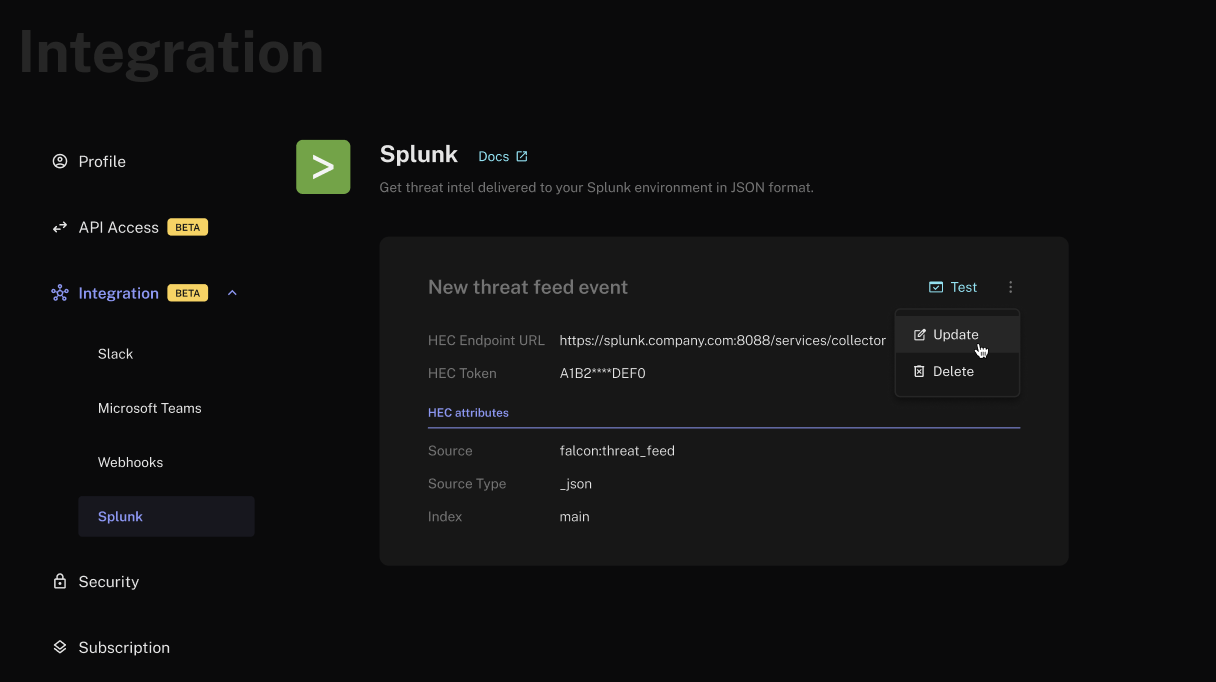
- Modify the URL, token, or custom HEC attributes as required and click Save.
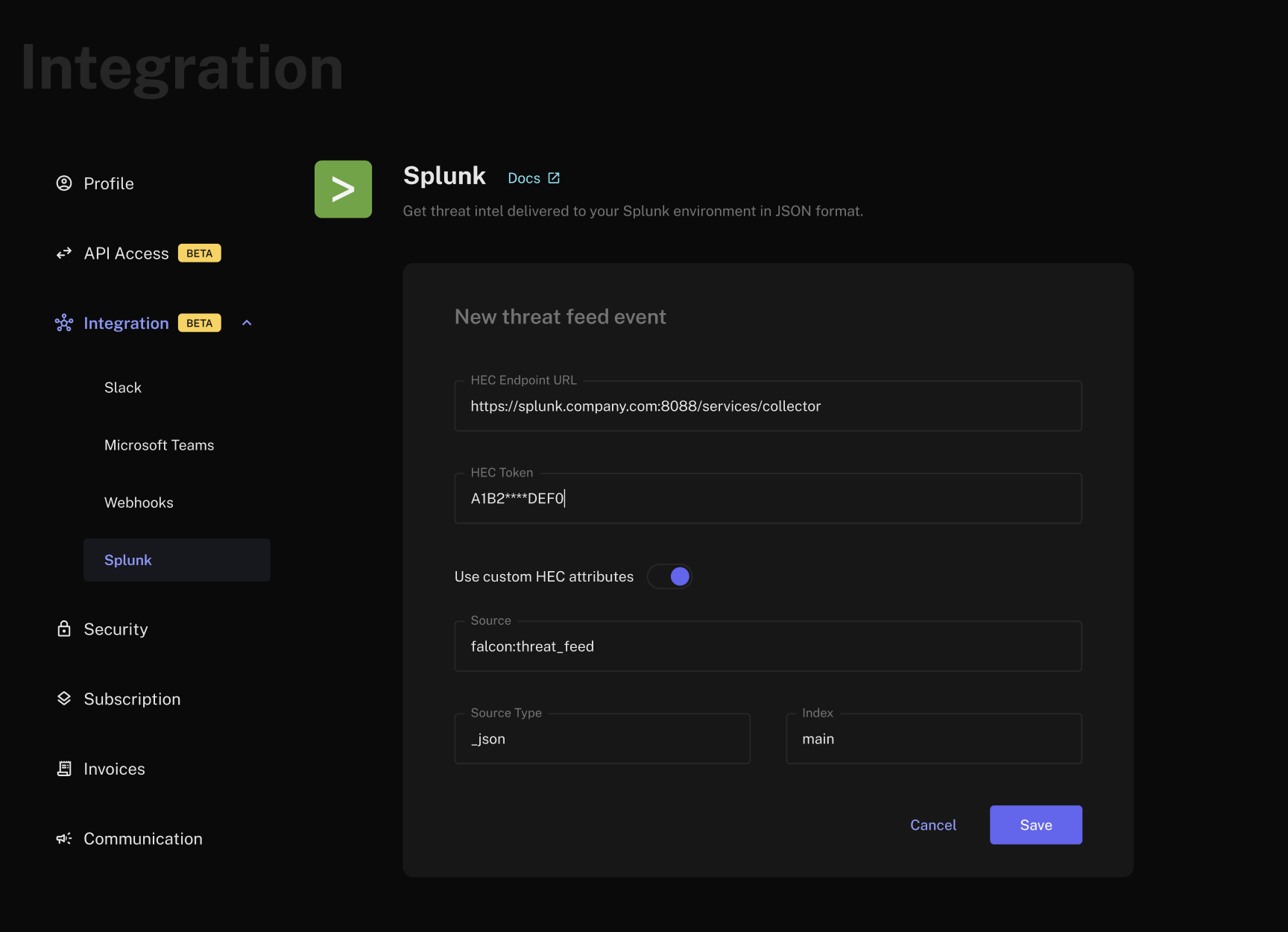
Deleting the Integration
- Click the options button next to the Test button on your integration card.
- Click Delete.
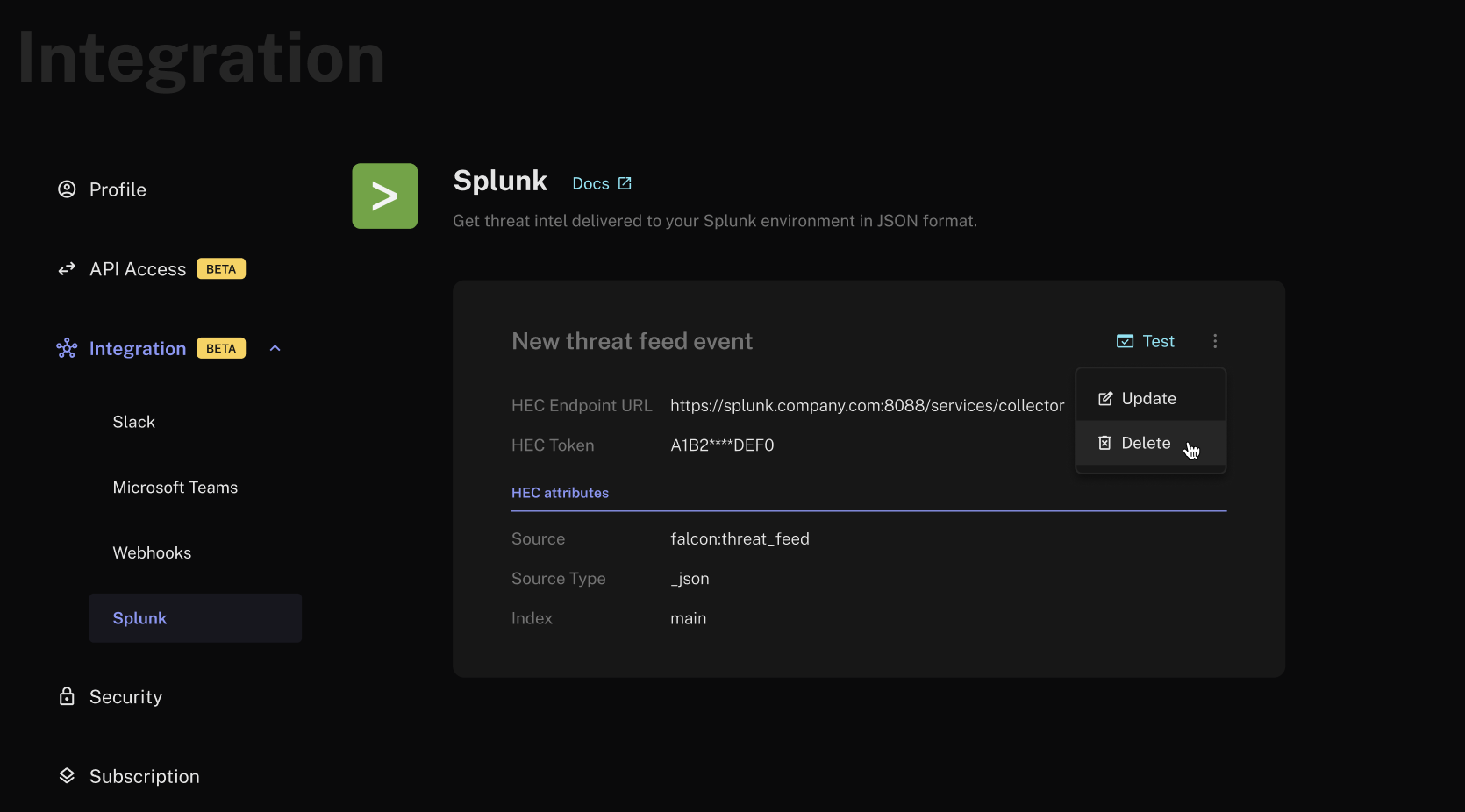
- Confirm by clicking Delete.