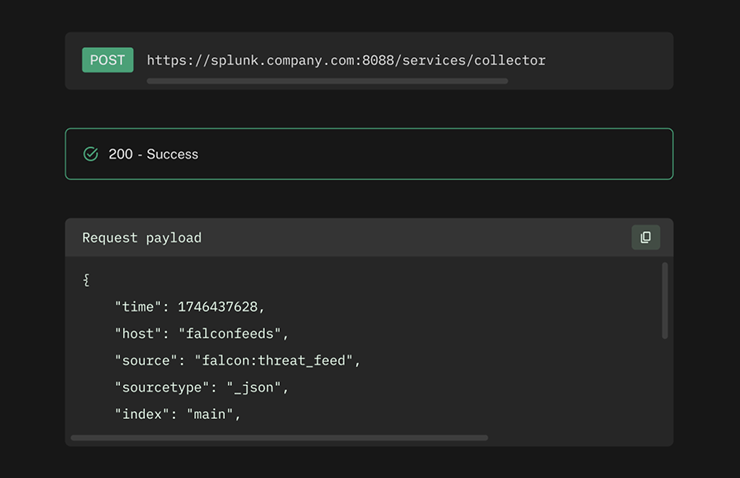
Configuring the Integration
- In your FalconFeeds Dashboard, go to Settings → Integrations → Splunk HEC.
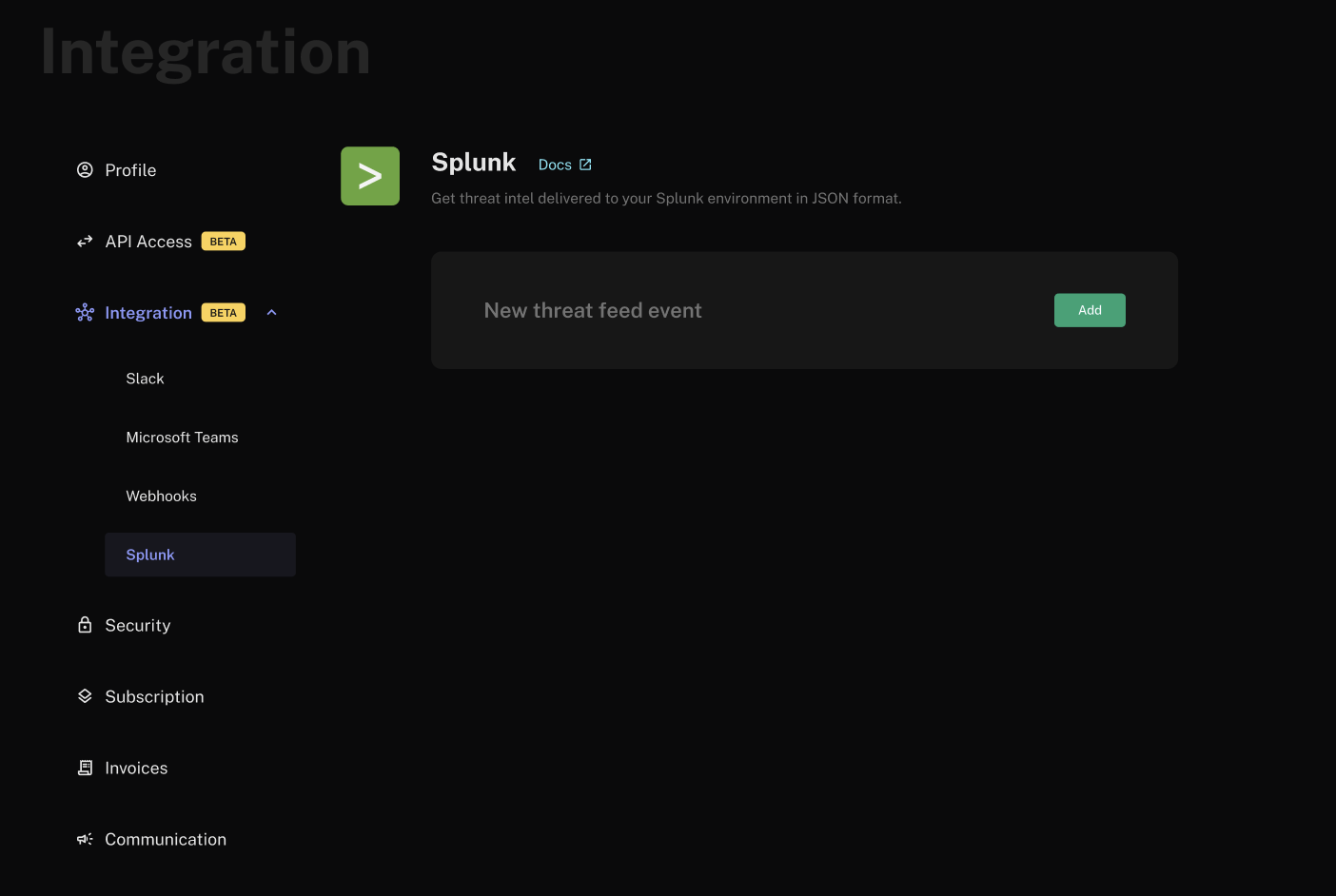
- Click Add.
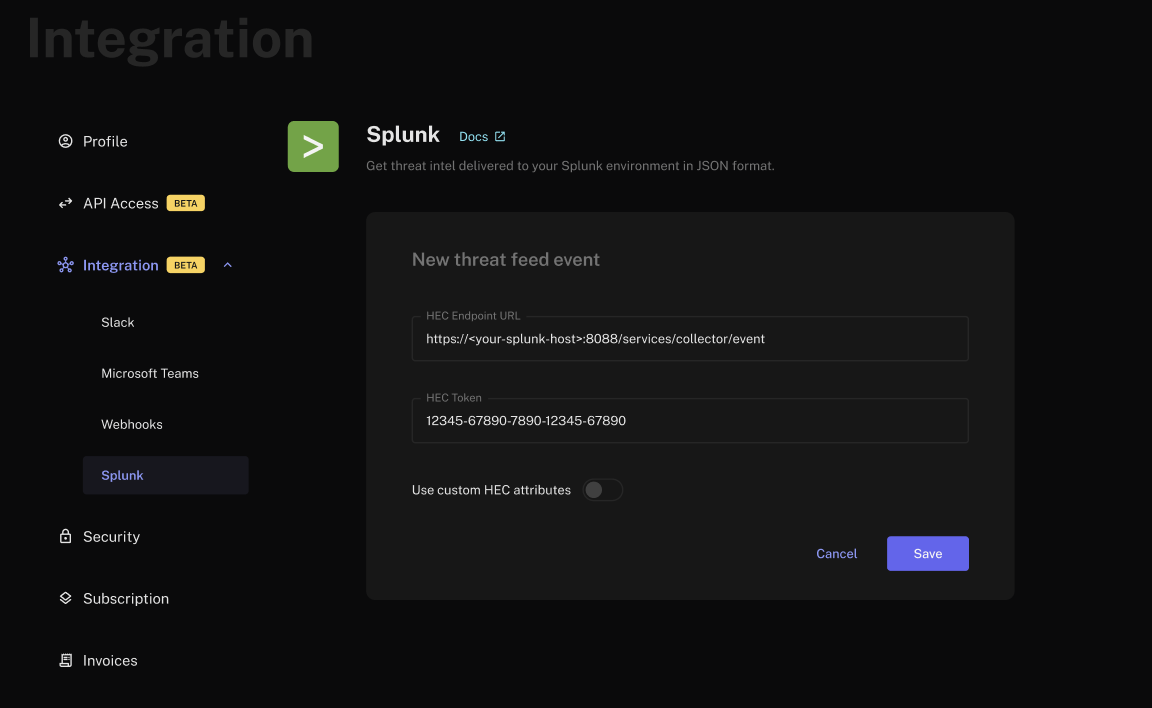
-
Enter the HEC URL and Token retrieved from your Splunk instance. By default, FalconFeeds sends events with the following HEC attributes:
Toggle Use custom HEC attributes to override any of these values.
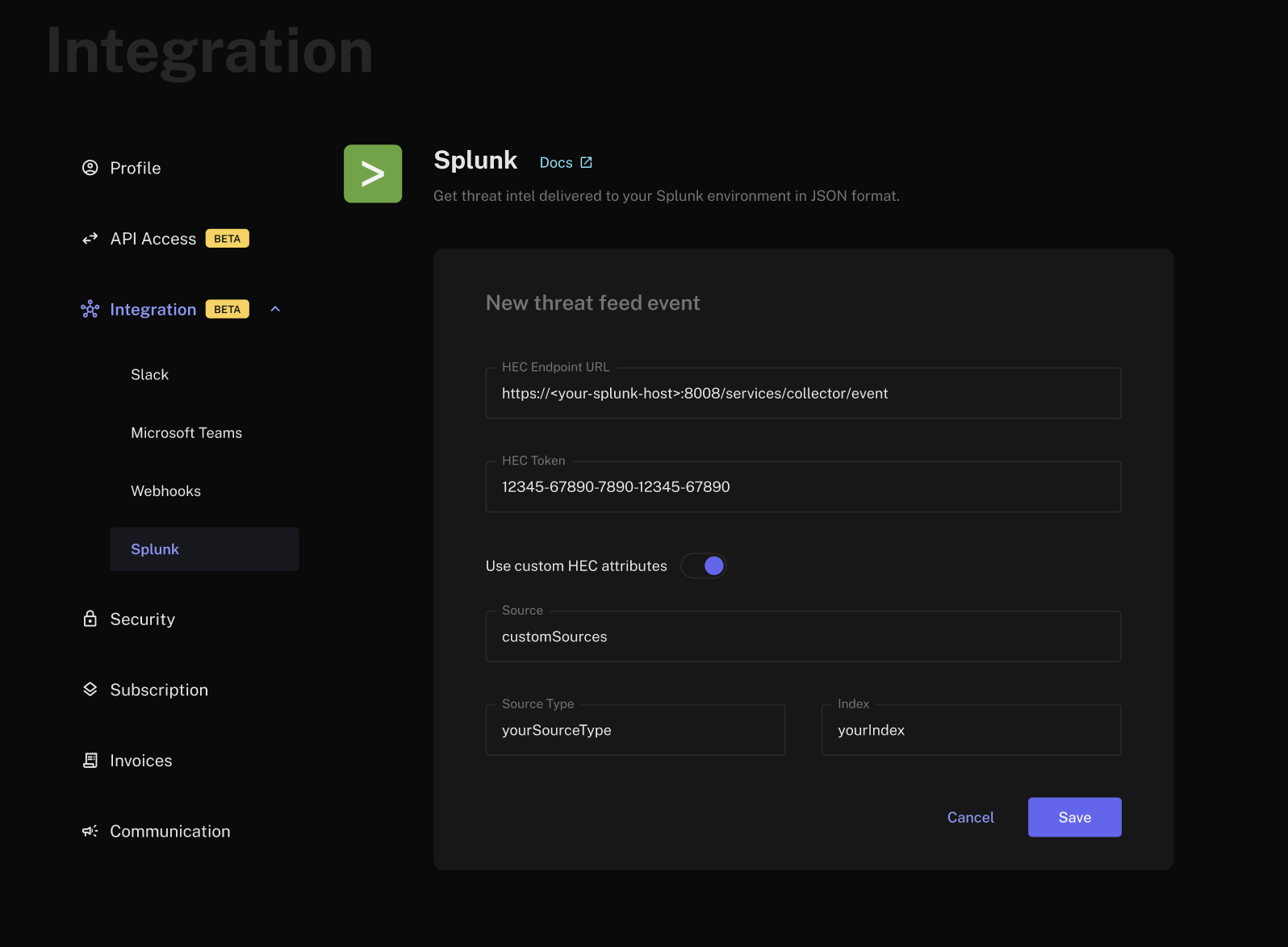
- Click Save. FalconFeeds will now begin sending new threat feed events directly to your Splunk environment.
Testing the Integration
- Click the Test button on your integration card.
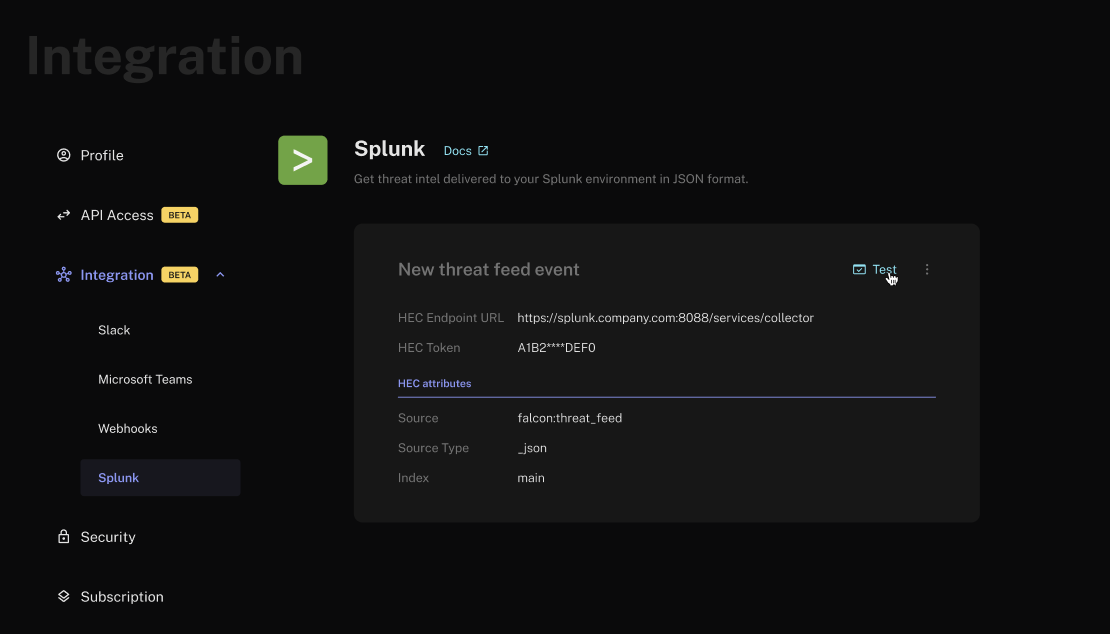
- Click Run test. FalconFeeds will send a sample threat post to your Splunk environment using the configured values. If the test fails, the corresponding HTTP status code will be displayed.