Updating a Webhook
You can update an existing webhook’s URL or authentication credentials at any time.
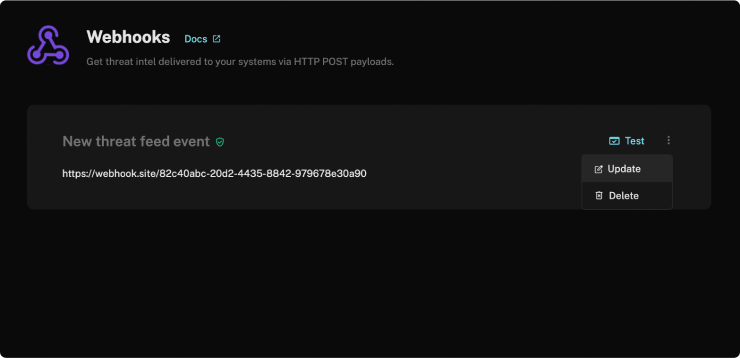
- Go to Settings → Integrations → Webhooks
- Click the Update option on the webhook card
- Edit the URL or password as needed
- Follow the prompts to confirm and save your changes
Deleting a Webhook
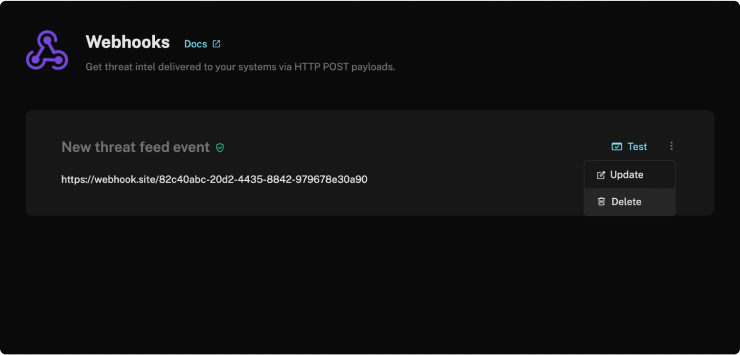
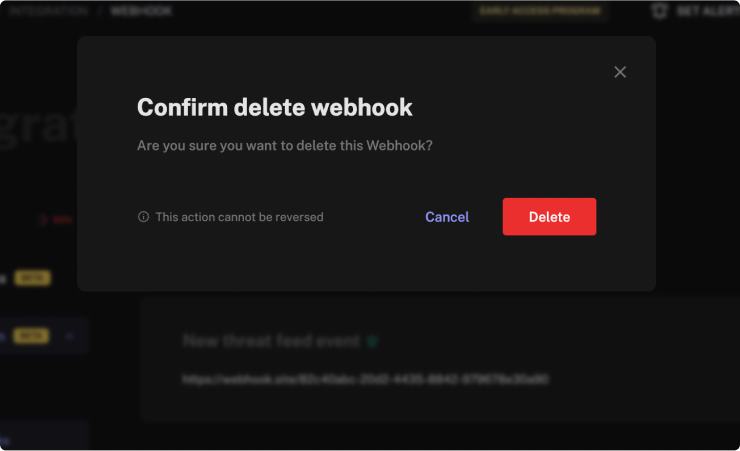
To remove a webhook, click the Delete option in your webhook settings.
Deleting a webhook is irreversible. The webhook will be permanently disconnected and cannot be restored. Double-check your decision before proceeding.