To proceed, ensure you have an active FalconFeeds account. If you don’t have one, create a free account.
Navigating to Webhooks
Go to Settings → Integrations → Webhooks in your FalconFeeds dashboard.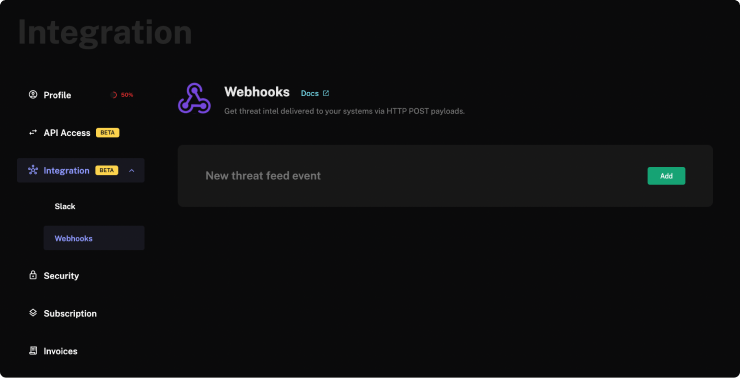
Configuring Webhooks
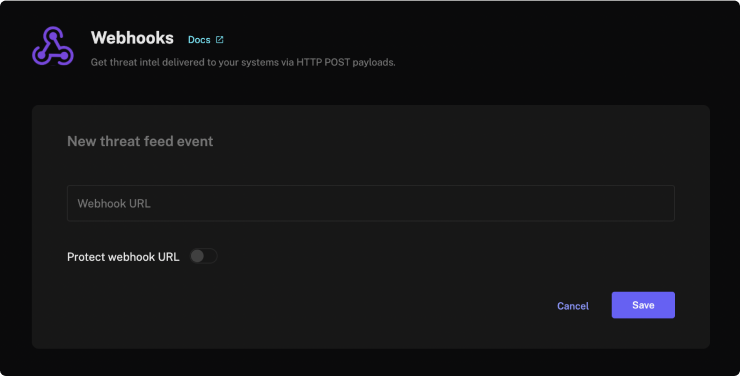
If you have not added a webhook already, click Add. The Webhook URL represents the endpoint to which the payload data will be sent when a new threat feed event occurs.