

- Go to Settings → Integrations → Microsoft Teams in your FalconFeeds Dashboard.
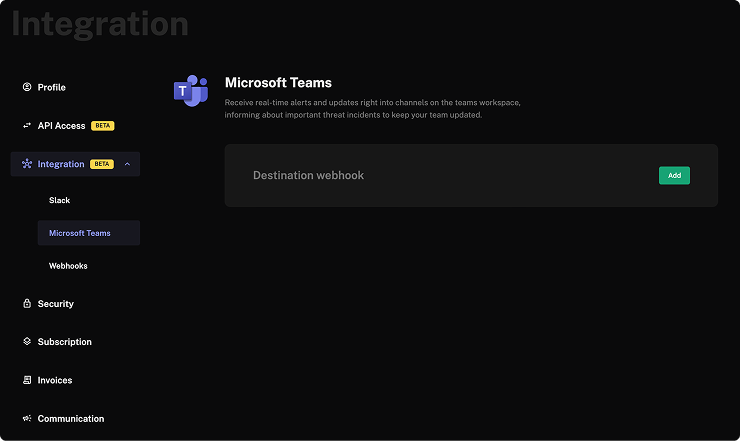
- Click Add. You will be prompted to enter the webhook URL from your Power Automate flow.
- Paste the webhook URL and click Save.
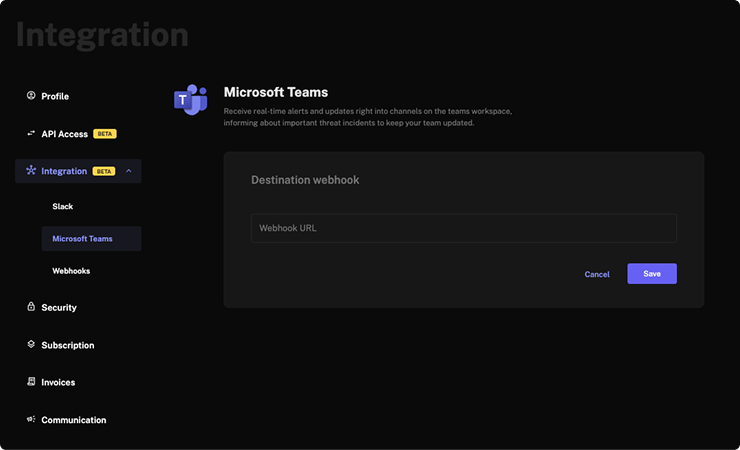
Connect your Power Automate webhook URL to FalconFeeds to start receiving threat feed alerts in your Teams channel.