Access Integration Settings
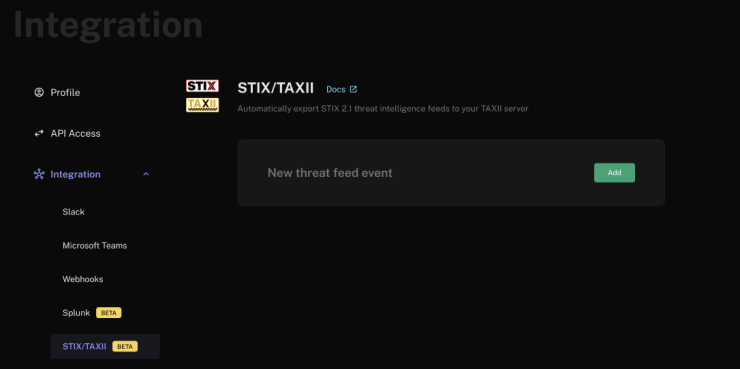
- In your FalconFeeds Dashboard, go to Settings → Integration → STIX/TAXII.
- Click the Add button to initiate the integration.
-
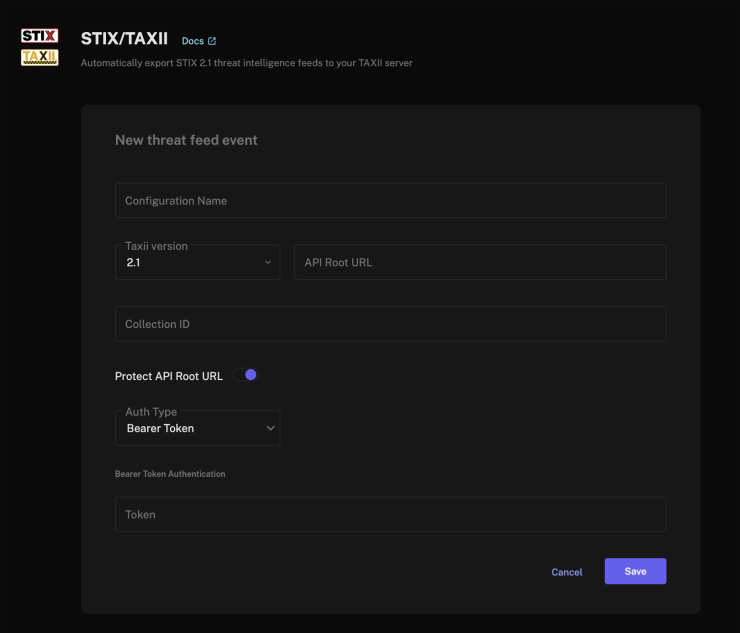
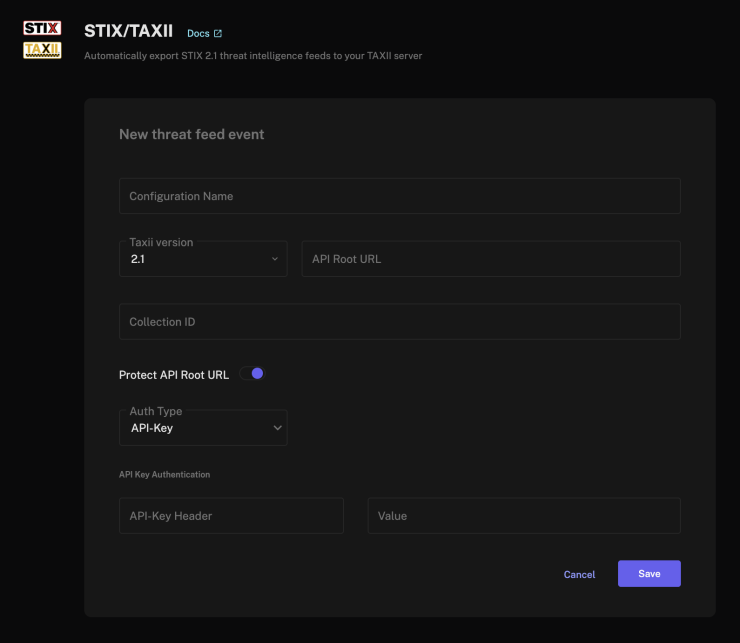
Configure your TAXII server connection:
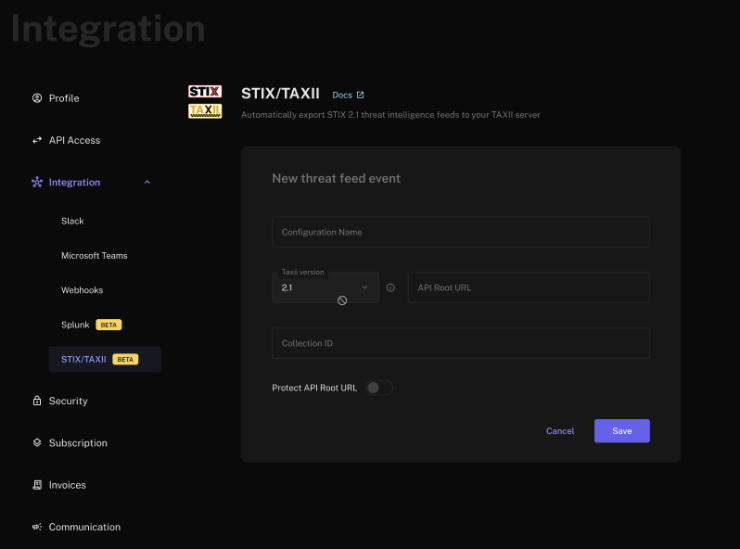
Configure Authentication
Toggle Protect API Root URL and pick an Auth Type.- Basic
- Bearer Token
- API Key
Select the Auth Type as Basic. Fill in the Username and Password, then click Save to apply your changes.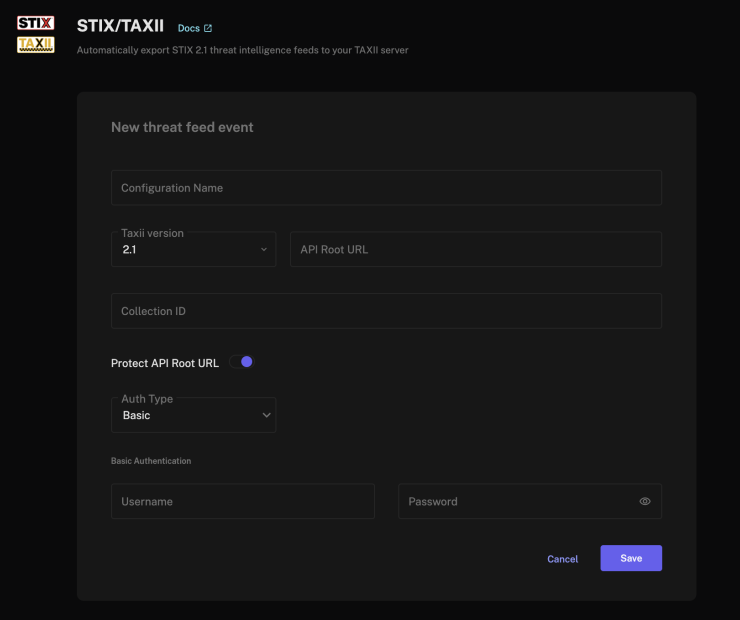
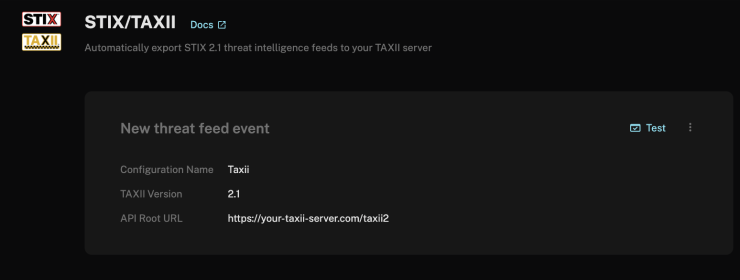
Test Connection
- Click Test Connection to verify your configuration.
- The system will attempt to connect to your TAXII server.
- Verify that the test is successful before proceeding.