

You are expected to have an account in FalconFeeds in order to receive alerts via Slack. If not, click here to create a free account.
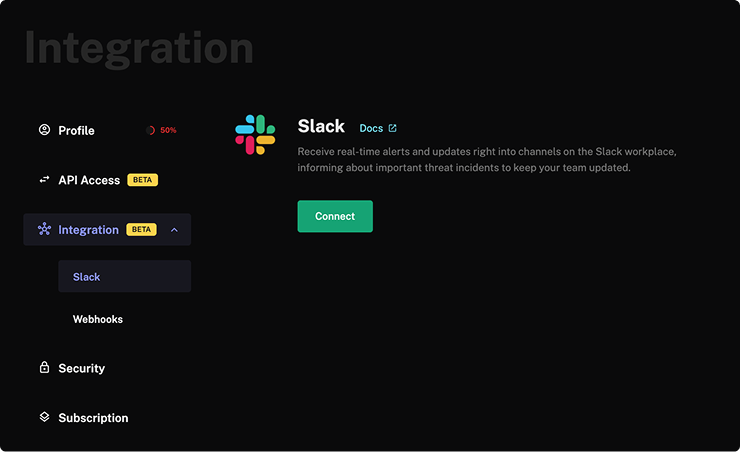
This guide walks you through setting up and managing personalised topic-based alerts on your Slack channel, keeping you updated on the latest threat incidents from FalconFeeds.io.